
Visual Inspection Pro
Create editable reports in Google Docs direct from your mobile
More flexible than PDF only apps • Fast • Convenient • Customisable
From Mobile
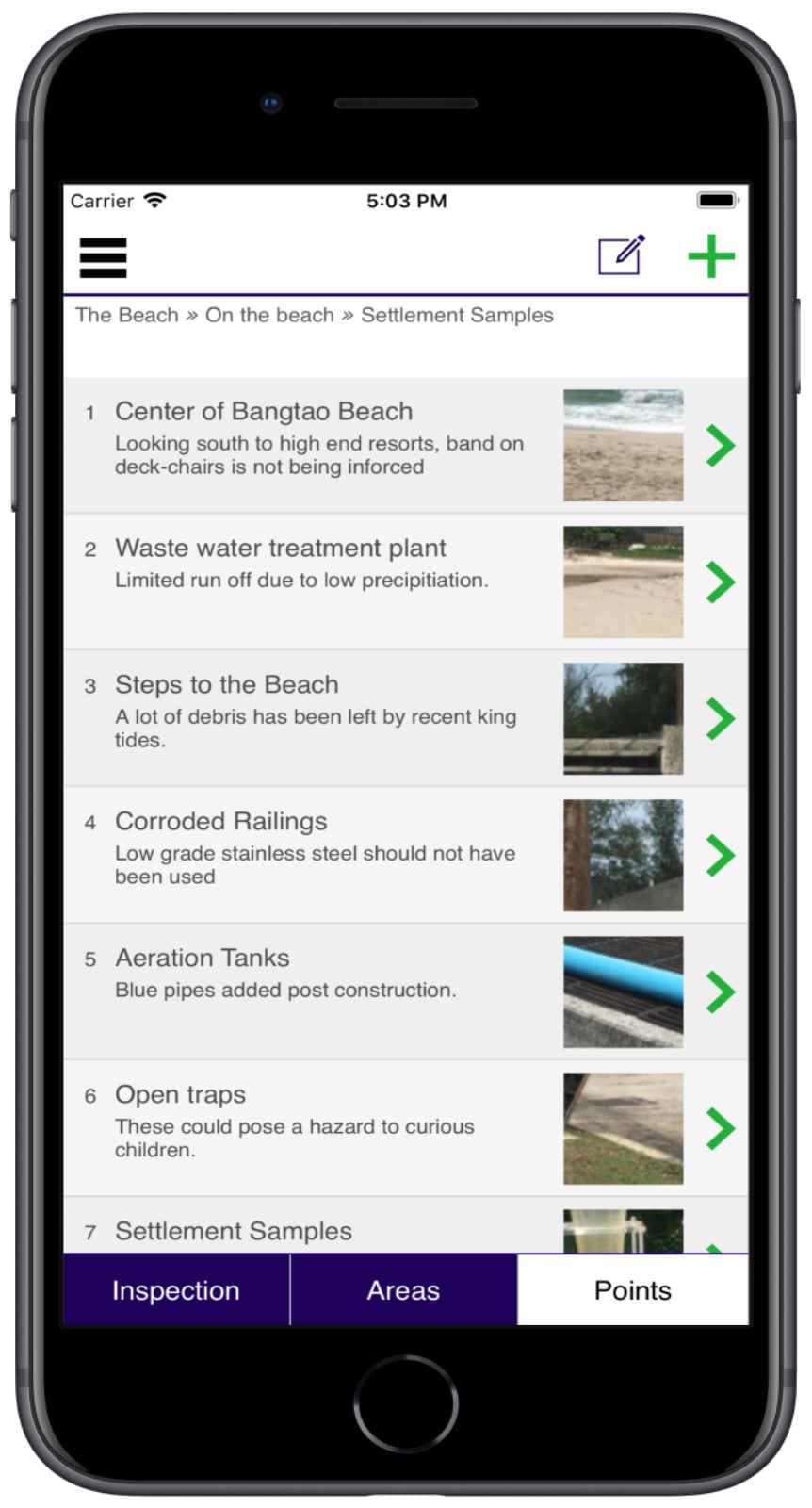
Take photos and notes (either dictated or typed), whilst making an inspection on site. The location's position can be captured using GPS. Once the inspection is completed, VIPro then generates a Google Doc using information collected, with a choice of customisable templates.
Upto 800 inspection points can be collected for a report.
To Google Docs
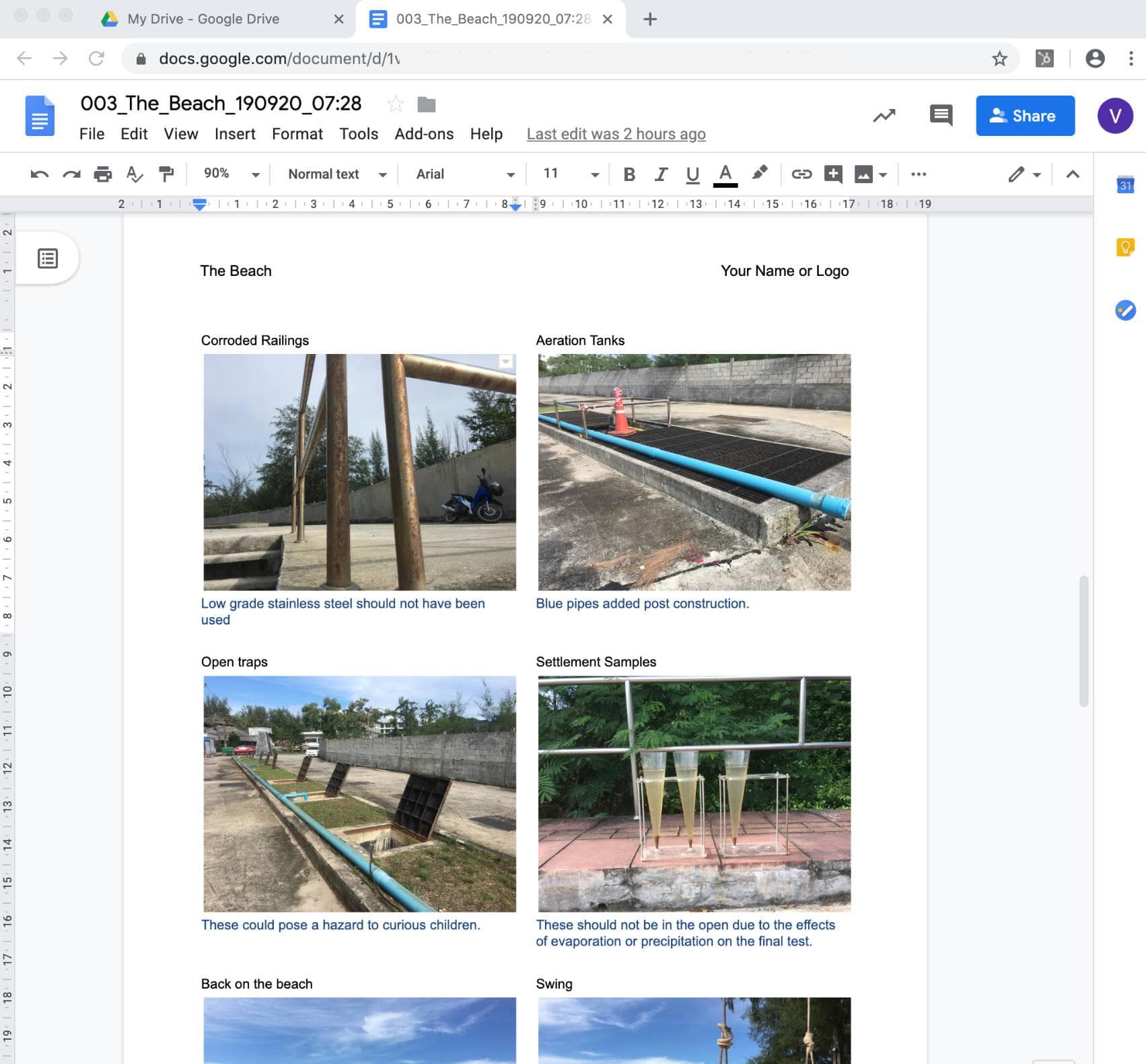
The report can now be easily edited in Google Docs, either on a mobile device, or better with a laptop or desktop computer. This can be done anywhere, such as the comfort of your office or home. Photographs can be edited and marked up.
The Doc can be shared with team members, or other parties (anywhere in the world), who can be given permission to either comment on, or edit the Doc itself.
Once completed the report can be shared with the client, either as a Google Doc, or downloaded in a variety of formats including PDF and Microsoft Word documents.
Google Docs is provided free with a Google account (if you have a gmail address then you have a Google account.) A Google account is required to use VIPro, or collaborate on the report Doc.
The VIPro Advantage
Other visual inspection software generate PDFs, which can be very difficult and time consuming to edit. In Google Docs it is easy!
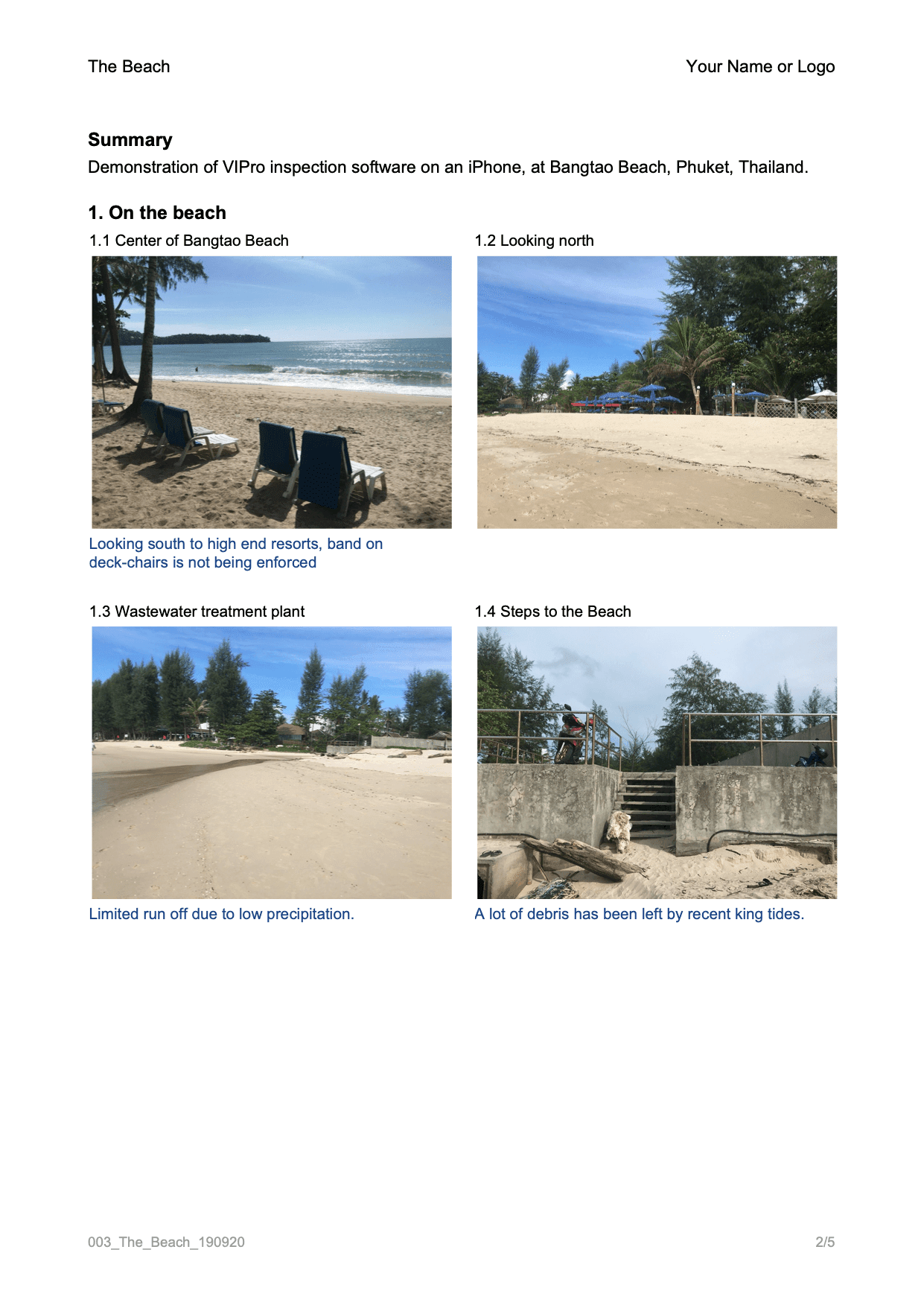
A choice of templates are available, offering between 1 and 6 inspection points per page. The templates can be extensively customised to include your logo, choice of typefaces, sizes and styles to match your own brand standard.
Watch The App In Action
Please note: this is a work in progress video
Sample Report
View a sample report in Google Docs click here.

Register for Early Access
If you are interested in joining the testing programme, or receiving updates on development, please provide your details using this form